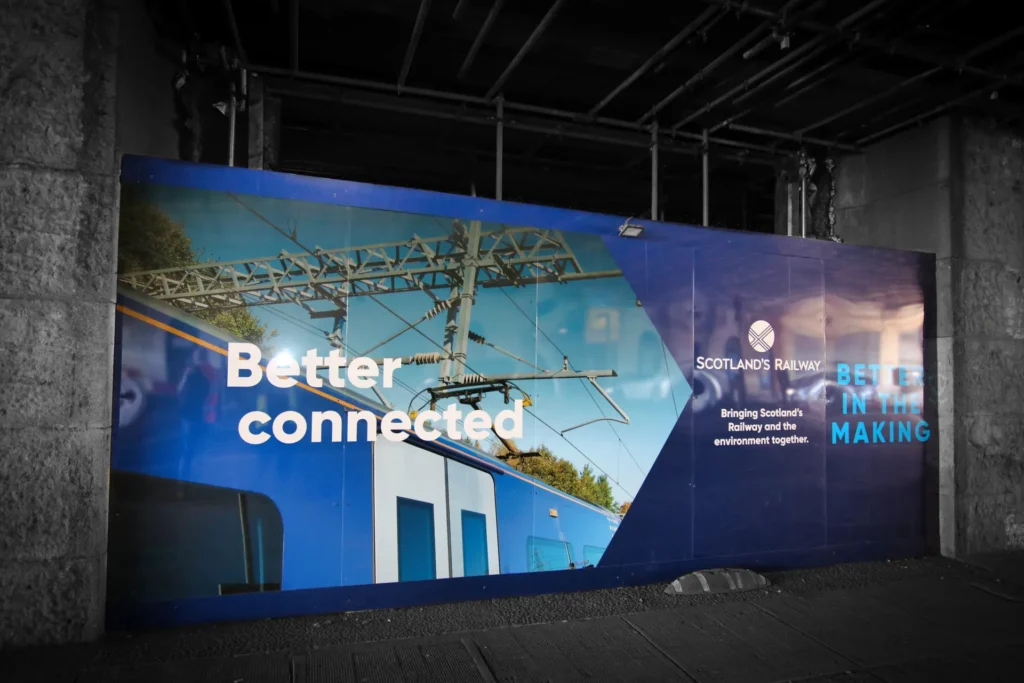
Large format printing tips are essential for anyone preparing artwork for banners, signage, exhibition graphics, or large scale prints. Designing for large format print is very different from preparing standard printed materials. The scale, viewing distance, image resolution, and colour mode all influence the final print quality.
This comprehensive guide to large format printing explains the key design principles and practical tips needed to prepare artwork correctly. From DPI and bleed to fonts and colour mode, following the right large format printing tips ensures that your large format digital printing project delivers high-quality prints without costly production issues.
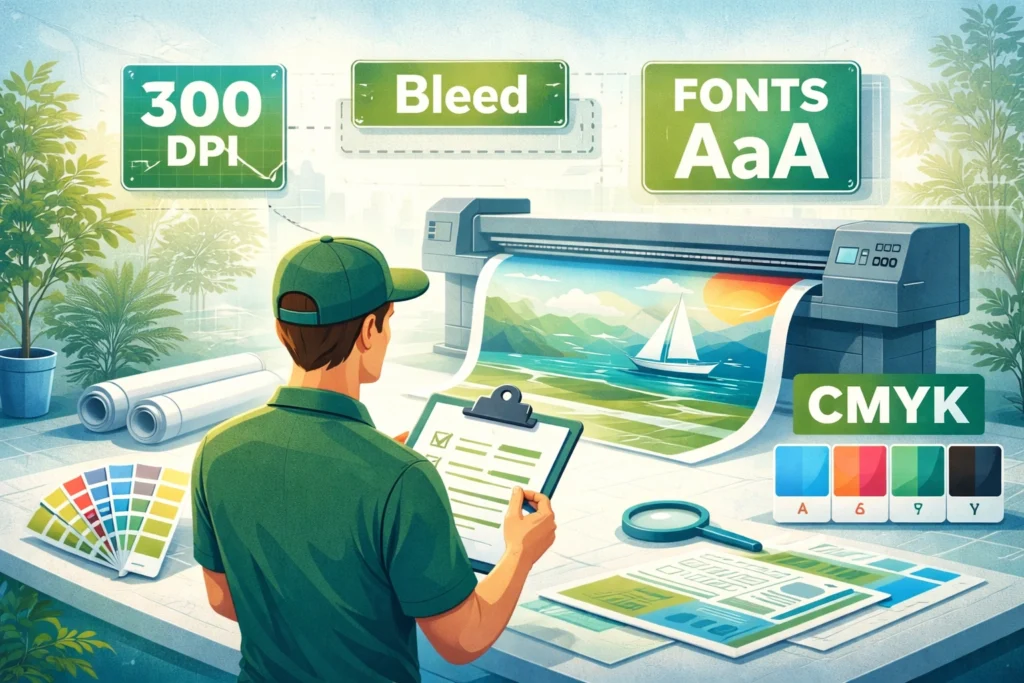
Designing for Large Format Printing: Understanding the Basics
Designing for large format printing requires a different mindset compared to traditional printing methods. Large format print design must account for scale, viewing distance, and how graphic design elements behave when enlarged.
Large format graphics are often viewed from further away than typical printed materials. This means image quality and readability depend on how artwork is built during the design process. One of the most important large format printing tips is understanding that resolution requirements change depending on viewing distance.
For example, a trade show banner or building graphic may not require the same pixel density as a brochure because it is designed to be seen from several metres away. However, image resolution must still be high enough to avoid pixelation when scaled to the final print size.
Large format digital printing technology has advanced significantly, but even the best large format printer cannot fix low-resolution artwork. Ensuring your design is print-ready before the printing process begins is one of the most important steps in achieving professional printing results.
Image Resolution and DPI: Avoiding Pixelation in Large Prints
One of the most important large format printing tips relates to image resolution. Resolution images determine how sharp your large prints appear once printed at scale.
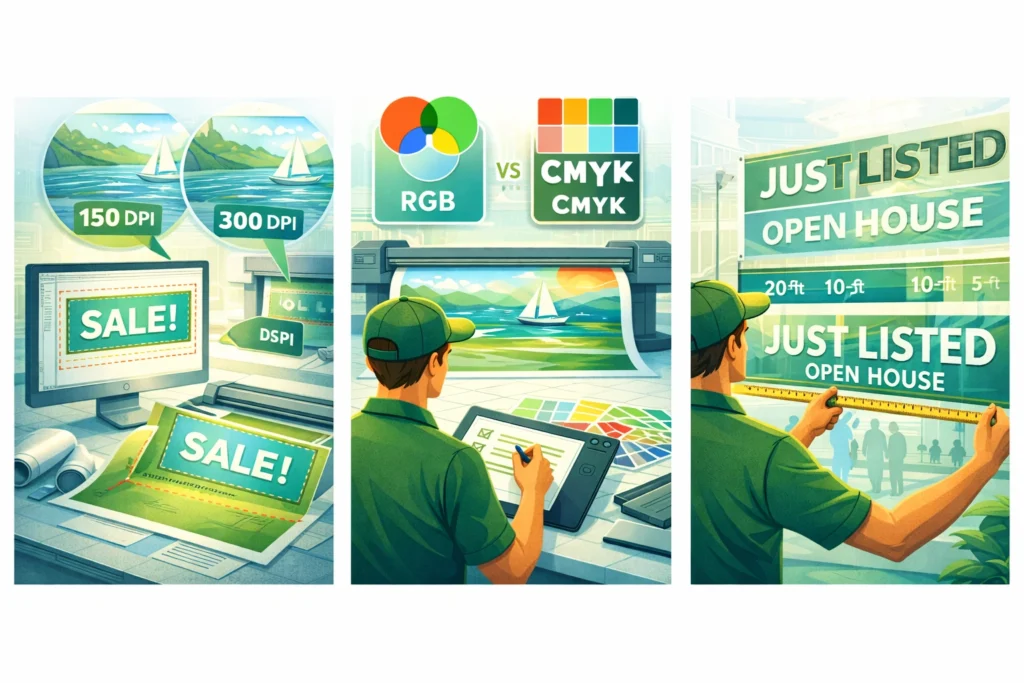
A common misconception is that artwork must always be 300 DPI at full size. In reality, large format pieces often use lower DPI depending on the intended viewing distance. For many large format projects, 150 DPI at final print size provides excellent results.
Understanding resolution to avoid pixelation is critical. If low-resolution images are scaled beyond their highest resolution, the final print can appear blurry or blocky. Raster images such as photographs must be checked carefully to ensure they maintain image quality at the exact size required.
Graphic designers often work with raster images inside software like Photoshop or Illustrator. While Photoshop handles raster images well, vector images are generally preferred for large format graphics because they scale without losing quality.
Ensuring that your images maintain the highest resolution possible is one of the simplest large format printing tips that dramatically improves final print quality.
Bleed, Trim and Safe Area: Preparing Artwork for the Printing Process
Bleed is another crucial element when designing for large format print. Bleed refers to artwork that extends beyond the final trim edge to prevent white borders during cutting.
Most large format printing projects require at least a few millimetres of bleed depending on the printing project and finishing method. A banner, for example, may require extra bleed to accommodate hems or eyelets.
Trim marks indicate the final print size where the design will be cut. Inside the trim line, designers should also maintain a safe area to ensure important design elements such as logos, fonts, and contact details remain visible.
Large format printing tips often emphasise bleed because mistakes at this stage can result in visible edges or design elements being cut off. Ensuring the final print size, bleed area, and trim marks are correctly set helps the printing process run smoothly.
CMYK vs RGB: Choosing the Correct Colour Mode
Colour mode plays a significant role in large format print design. Digital screens display colours using RGB, while most professional printing processes use CMYK.
One of the most practical large format printing tips is to convert artwork into CMYK colour mode before sending it to your print provider. This ensures that colours in the final print match expectations more closely.
If artwork remains in RGB, the printing process may convert colours automatically, which can lead to unexpected colour shifts. Bright digital colours sometimes appear duller in CMYK if adjustments are not made during the design stage.
Graphic designers should also check colour consistency across design elements to maintain strong brand identity. Large format graphics often play a central role in brand visibility, especially at trade show environments or retail signage installations.
Ensuring colour accuracy is a key part of designing for large format printing and helps maintain professional printing standards.
Fonts and Readability: Designing Graphics That Are Easy to Read
Typography is a critical part of large format print design. Fonts that work well on small printed materials may not perform as effectively when scaled for large prints.
One of the most important large format printing tips is to prioritise readability. Large format graphics should be easy to read from a distance, meaning font selection and spacing must be carefully considered.
Sans-serif fonts often perform well for signage and banners because they remain clear at large scale. Designers should avoid overly decorative typefaces that become difficult to read when viewed quickly.
Font size should also reflect the intended use of the print. A trade show banner viewed from across an exhibition hall requires larger text than interior signage viewed up close.
Outlining fonts before sending artwork to your print provider ensures that typography remains consistent even if the receiving system does not have the original font installed.
Using Vector Graphics for Large Format Design
Vector images are an essential tool for large format print design. Unlike raster images, vector graphics scale infinitely without losing quality.
Logos, icons, and graphic design elements should always be created as vector images whenever possible. This ensures that large format pieces maintain crisp edges regardless of final print size.
Large format printing tips often recommend building artwork in software like Adobe Illustrator, which allows designers to work with vector elements efficiently.
Vector graphics are especially useful for signage, brand identity elements, and bold design features where sharp lines and consistent colour are required.
Combining vector elements with high-resolution raster images creates a balanced large format design that maintains strong image quality while preserving flexibility during the printing process.
Viewing Distance and Scale: Designing Graphics for Real Environments
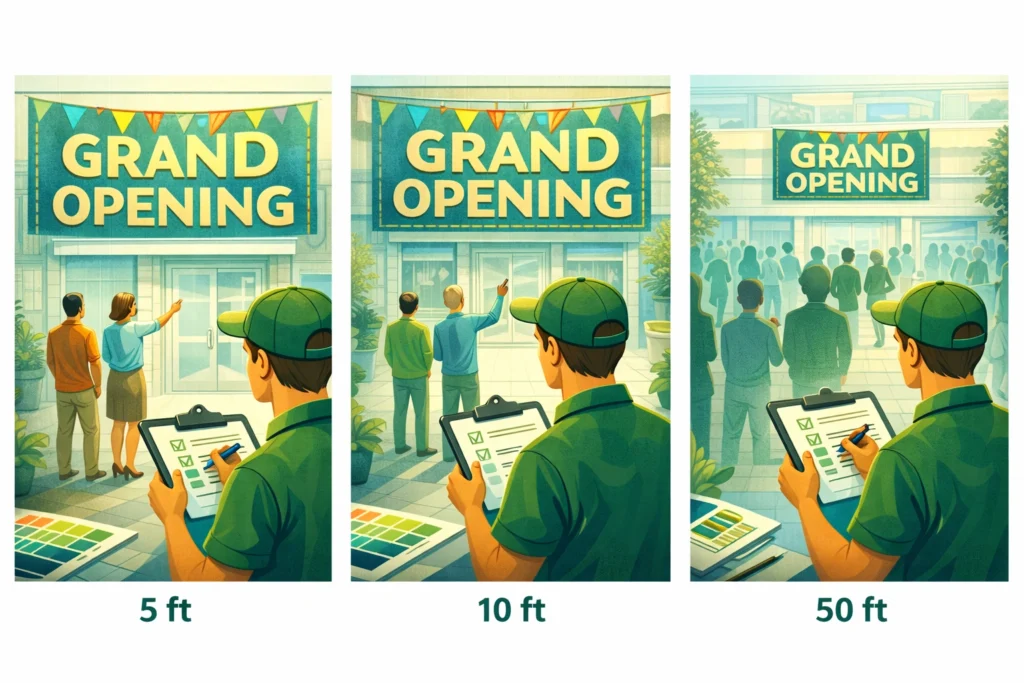
Scale and viewing distance influence many design decisions in large format printing. A graphic intended for close viewing requires different design elements compared to a billboard or building wrap.
One of the most valuable large format printing tips is to consider the viewing distance during the design stage. Larger graphics often rely on bold shapes, clear typography, and simplified messaging to ensure information remains easy to read.
Designing for large format printing means thinking about how viewers interact with the graphic in real environments. A banner viewed from across a trade show floor must capture attention quickly, while interior signage may allow for more detailed information.
Considering scale early in the design process helps ensure that your large format graphics remain effective in their intended location.
Working with Your Print Provider Before Production
Even experienced graphic designers benefit from collaborating with print experts during large format projects. Print providers understand the capabilities of large format printing technology and can advise on best practices before production begins.
Sharing artwork early allows the print provider to review design files and confirm whether the design is print-ready. Some companies offer a free 10-point artwork check that identifies potential issues such as low-resolution images, incorrect colour mode, or missing bleed.
Large format printing tips often highlight the importance of communication because small adjustments during the design stage can prevent expensive corrections later.
Working closely with a professional printing team helps ensure that your large format digital printing project delivers the highest quality results.
Final Preflight Checklist for Large Format Printing
Before sending artwork to your printer, it is helpful to follow a simple preflight checklist. These practical large format printing tips help ensure that every large format project meets professional printing standards.
Check that your final print size matches the intended dimensions. Confirm that image resolution is high enough for the viewing distance. Ensure that raster images are not low-resolution images scaled beyond their limits.
Verify that colour mode is set to CMYK and that fonts are either embedded or converted to outlines. Confirm that bleed and trim settings are correctly applied.
Finally, review all design elements to ensure the artwork reflects your brand identity and remains easy to read at scale.
Following these large format printing tips helps ensure that your large format design moves smoothly through the printing process and delivers high-quality prints that look exactly as intended.
Final Thoughts
Large format printing tips are invaluable when preparing artwork for banners, signage, trade show graphics, and other large scale prints. Designing for large format printing requires attention to image quality, resolution, colour mode, typography, and viewing distance.
By following best practices such as using vector images, preparing bleed correctly, choosing CMYK colour mode, and ensuring high resolution artwork, designers can produce large format graphics that maintain exceptional print quality.
Working with experienced print experts and using a preflight checklist ensures that your large format print design is fully prepared for production. With the right preparation, large format digital printing offers powerful visual impact across a wide range of professional printing applications.